Exceptional gifting. Our Samsung Galaxy gift guide features smartphones and wearables.
Last updated: November 10th, 2017 at 11:00 UTC+01:00
SamMobile has affiliate and sponsored partnerships, we may earn a commission.
Reading time: 2 minutes
Related: Samsung details contents of October security patch
It's worth noting, however, that October's release doesn't bundle a patch for the ever-so-scary KRACK Attack vulnerability, which—if not tended to—makes it possible for hackers to eavesdrop on your data when you’re connected to a Wi-Fi network. The good news is: Samsung's addressed it in its latest SMR.
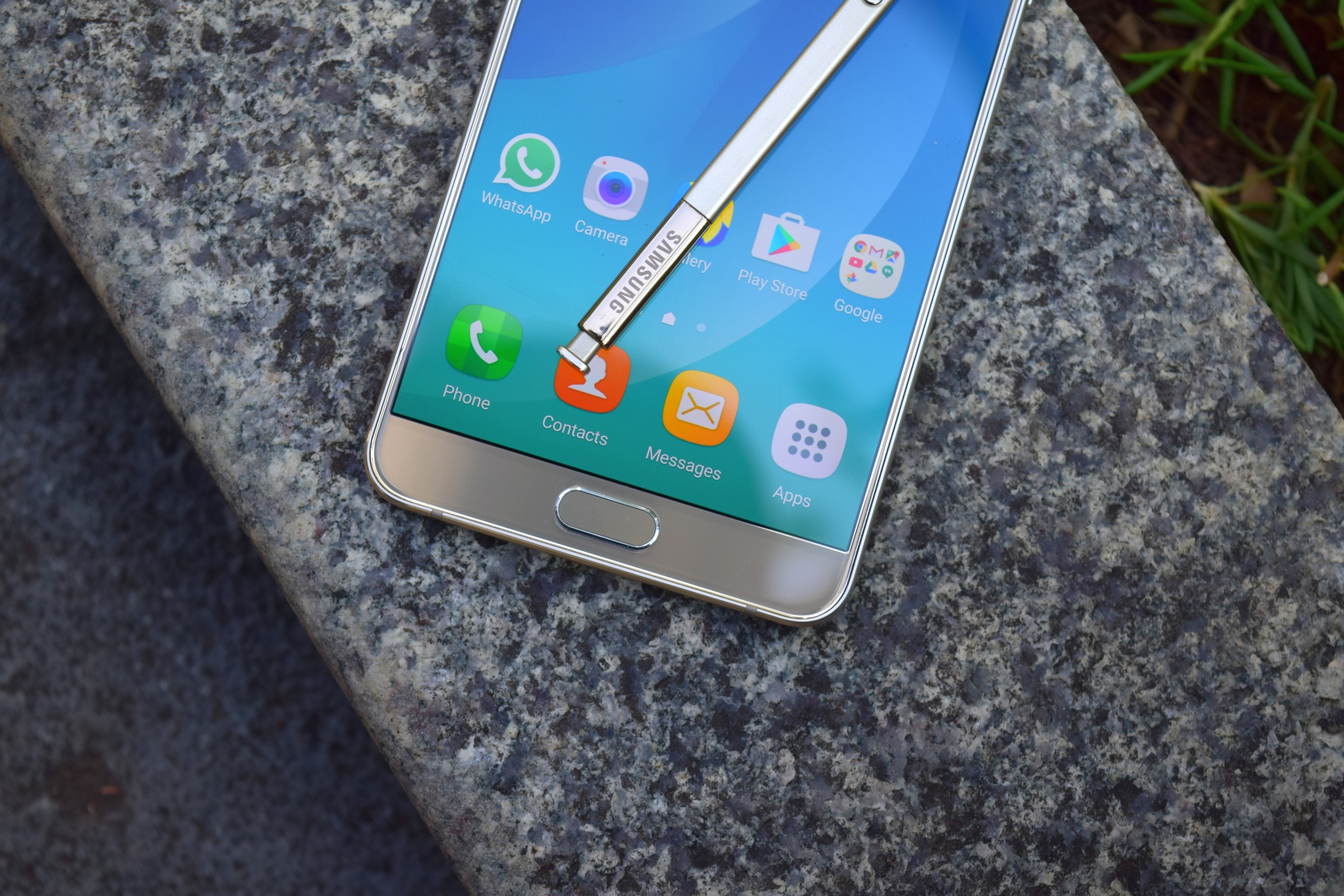
To check to see if the release is ready for your Galaxy Note 5, open Settings, select Software Update, then tap Download Updates Manually. If you don’t, for whatever reason, feel like taking heading down that route, you can wait until you receive an alert instructing you to install the OTA–or you can grab it from our database.
| Model | SM-N920P |
| Model name | Galaxy Note5 |
| Country | |
| Version | Android 7.0 |
| Changelist | 11855991 |
| Build date | Mon, 16 Oct 2017 04:28:13 +0000 |
| Security Patch Level | 2017-10-01 |
| Product code | SPR |
| PDA | N920PVPS3DQJ1 |
| CSC | N920PSPT3DQJ1 |
Update: T-Mobile has released a near-identical update for its carrier-branded variant of the Galaxy Note 5. You can download the firmware from our database.
| Model | SM-N920T |
| Model name | Galaxy Note5 |
| Country | |
| Version | Android 7.0 |
| Changelist | 10809541 |
| Build date | Fri, 21 Jul 2017 01:36:38 +0000 |
| Security Patch Level | 2017-07-01 |
| Product code | TMB |
| PDA | N920TUVU4EQG3 |
| CSC | N920TTMB4EQG3 |