Last updated: July 9th, 2026 at 21:08 UTC+02:00
SamMobile has affiliate and sponsored partnerships, we may earn a commission.
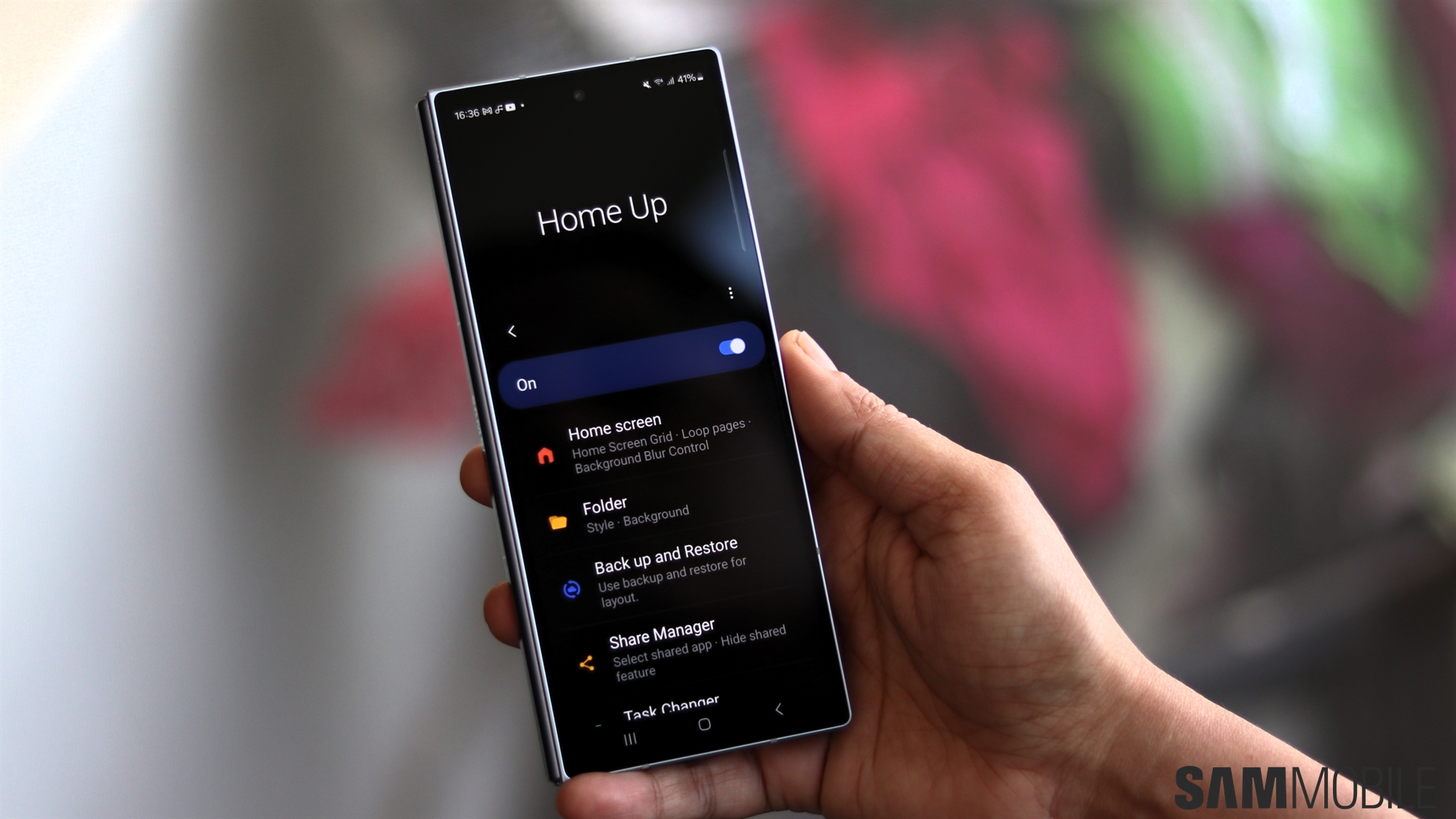
Home Up is adding multi-finger gestures and a customizable home screen app dock.
Reading time: 3 minutes
Abhijeet Mishra / SamMobile
We are almost two weeks away from the official One UI 9 debut alongside Samsung's upcoming foldables, which will be announced at Galaxy Unpacked on July 22.
In the meantime, Samsung has been adding support for more Good Lock modules in the existing One UI 9 beta for the Galaxy S26 series. The company will reportedly tackle Home Up next. This popular Good Lock module is also set to receive two long-awaited features, as revealed by Galaxy Techie.
The first feature is called Favourites background, which adds a customizable app dock to the Home screen. Samsung's Good Lock team has included plenty of customization options to let users tailor its appearance.
You can adjust the blur and shadow effects, add a background image, choose a background colour, change the transparency (alpha), and customize the corner radius along with the horizontal and vertical padding. You can either use a solid colour or choose a background image.
The available background categories will include Solid colour, Soft tile, Colour tile, Mint flow, Blush flow, Wave flow, Pastel brush, Metal, and Custom image.

Galaxy Techie
Home Up's Favorites background feature – Source: Galaxy Techie
Another powerful addition is Multi-finger gestures, which let you assign different actions to different multi-finger gestures. It works differently from the existing One Hand Operation+ module. For example, you can assign a three-finger swipe down to take a screenshot, a feature offered by several other smartphone brands and one that many Samsung users have requested.
On top of that, Ice Universe revealed that the feature supports up to 36 different gesture combinations for taking screenshots or performing other actions. Starting with two-finger gestures, users can configure gestures using up to five fingers, including swipe left, right, up, down, pinch in, pinch out, and single, double, and long taps, with 27 different actions to choose from.
You can also adjust the swipe distance to increase or decrease gesture sensitivity, enable a customizable glow effect with your preferred colour, and add vibration feedback.

Galaxy Techie
Home Up's Multi-finger gestures feature – Source: Galaxy Techie
Other options include allowing gestures in full-screen mode, disabling them in the phone keypad, and excluding specific apps where you don't want the gestures to work. Volume and brightness controls also support continuous swipe gestures without requiring you to lift your finger.
This major update is currently in the testing and verification phase. We can expect it to go live within the next few days. Until then, we'll have to wait for the official rollout and see what creative gesture combinations users come up with.

Abhijeet's writing career started with guides for custom firmware for Samsung devices (including the original Galaxy S), and he moved to SamMobile in mid-2013 and worked up the ranks to Editor-in-chief. In addition to phones and mobile devices, his interests include gaming on both PC and console, PC hardware, and spending countless hours on YouTube watching videos on tech, movies, games, politics, and internet dramas.