11 days until XMAS. Our Samsung Galaxy gift guide features smartphones and wearables.
Last updated: February 2nd, 2024 at 15:02 UTC+01:00
SamMobile has affiliate and sponsored partnerships, we may earn a commission.
Reading time: 2 minutes
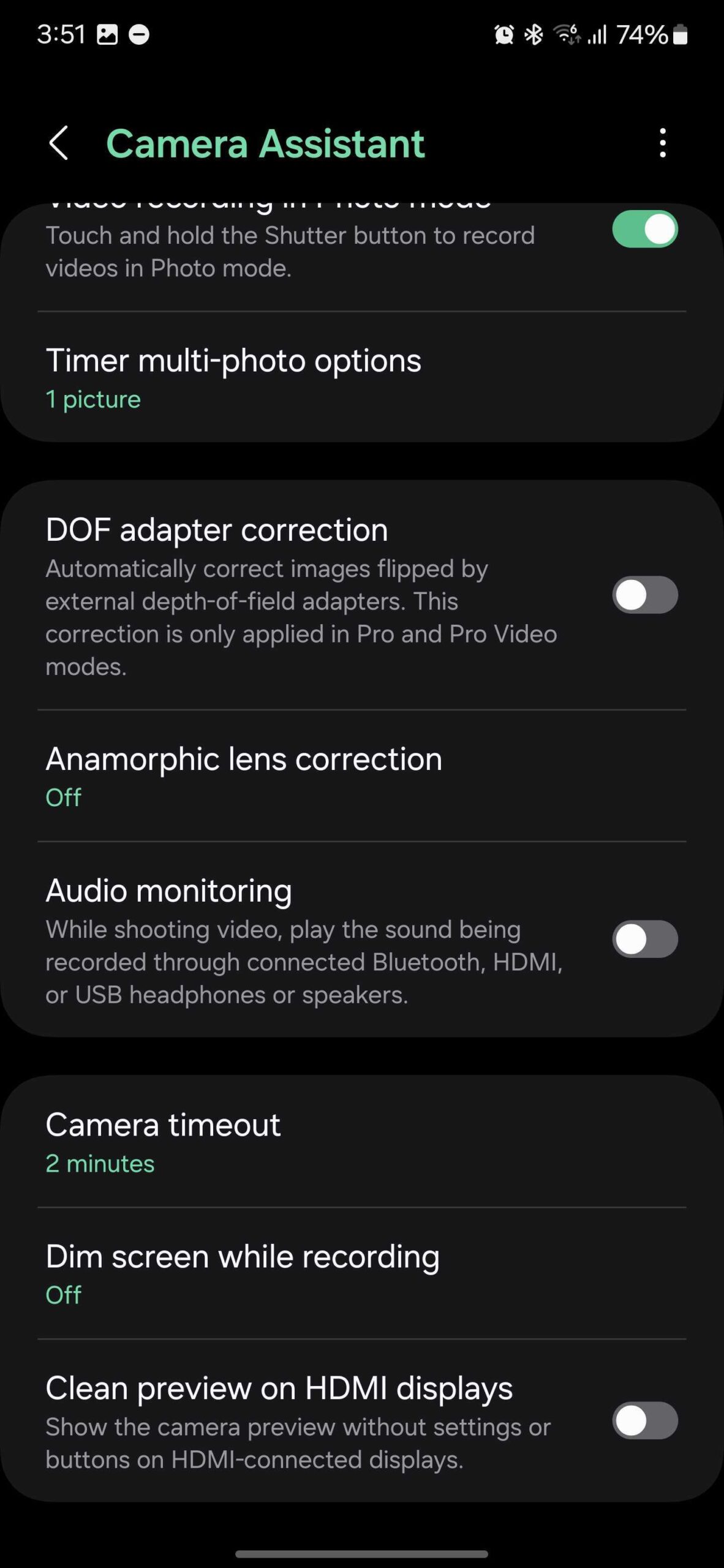
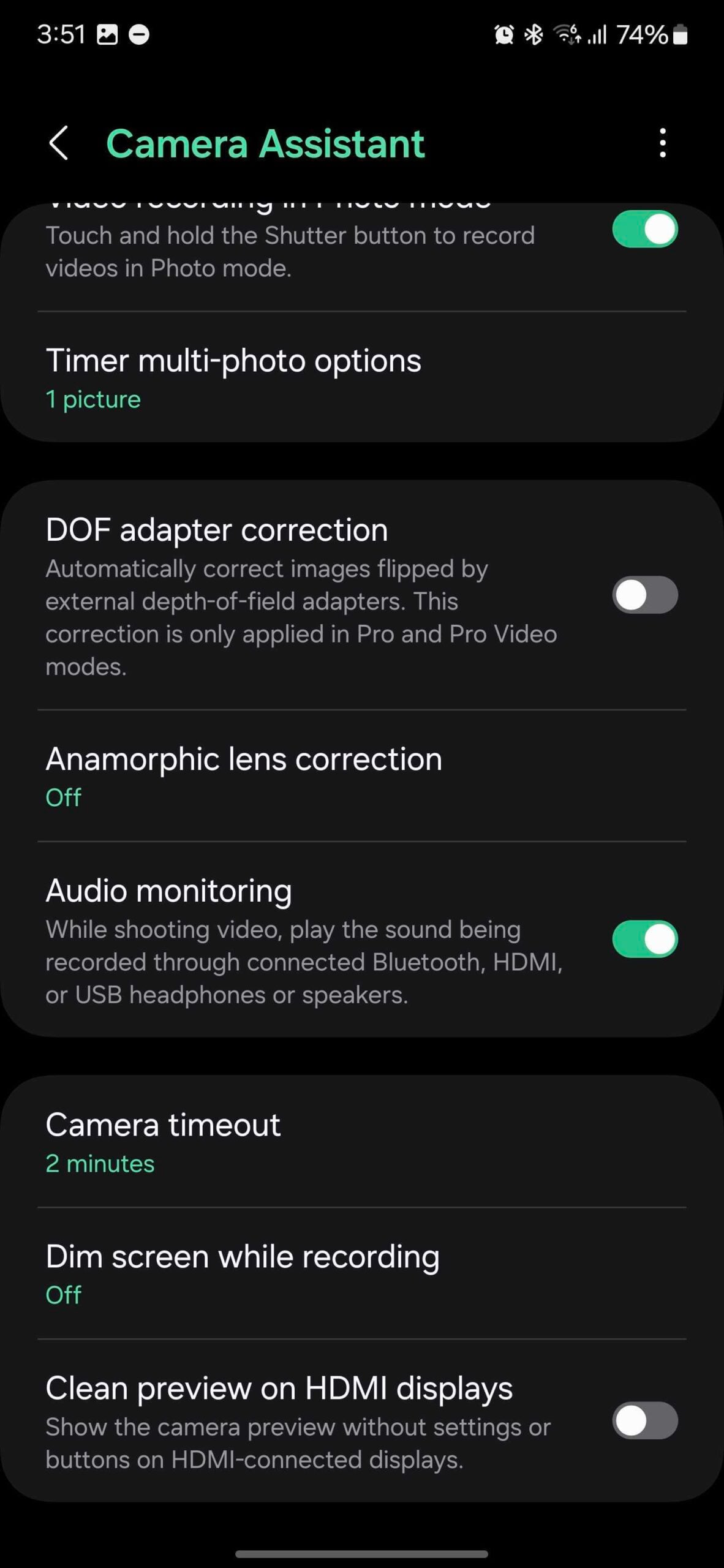
This new Audio Monitoring feature was never advertised by Samsung, neither at Unpacked 2024 nor in press releases, but it's a pretty big deal. Audio Monitoring lets Galaxy S24 users who record videos route the audio captured by the phone's microphones to connected Bluetooth, HDMI, or USB headphones or speakers. Here's how you can enable it.
This new Audio Monitoring feature can be extremely useful to Galaxy S24 users who want to monitor audio levels while they record videos. In essence, with Audio Monitoring, you can connect your Galaxy Buds (or other audio devices) to the Galaxy S24 and better-hear the audio the phone picks up while recording videos.
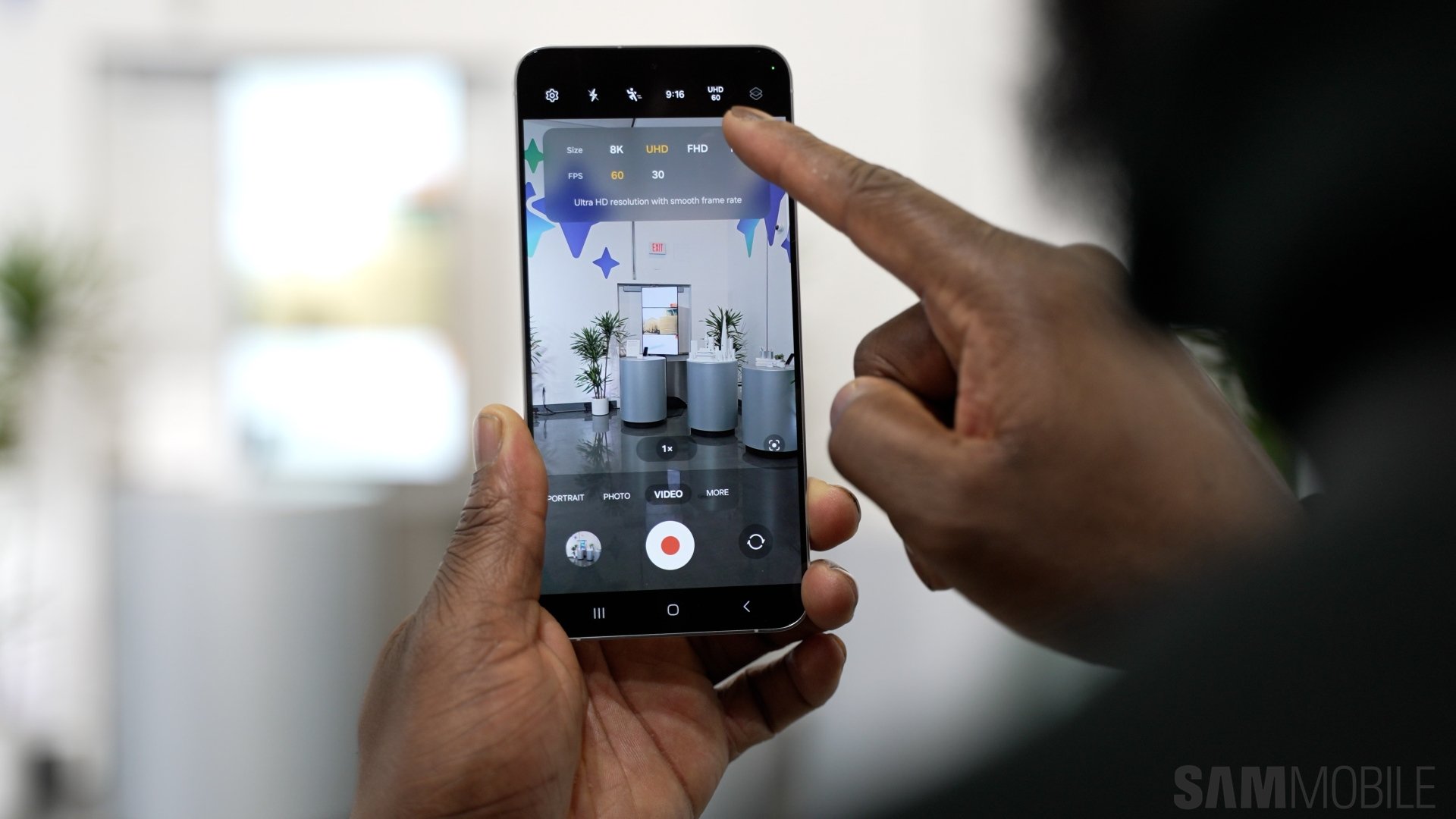
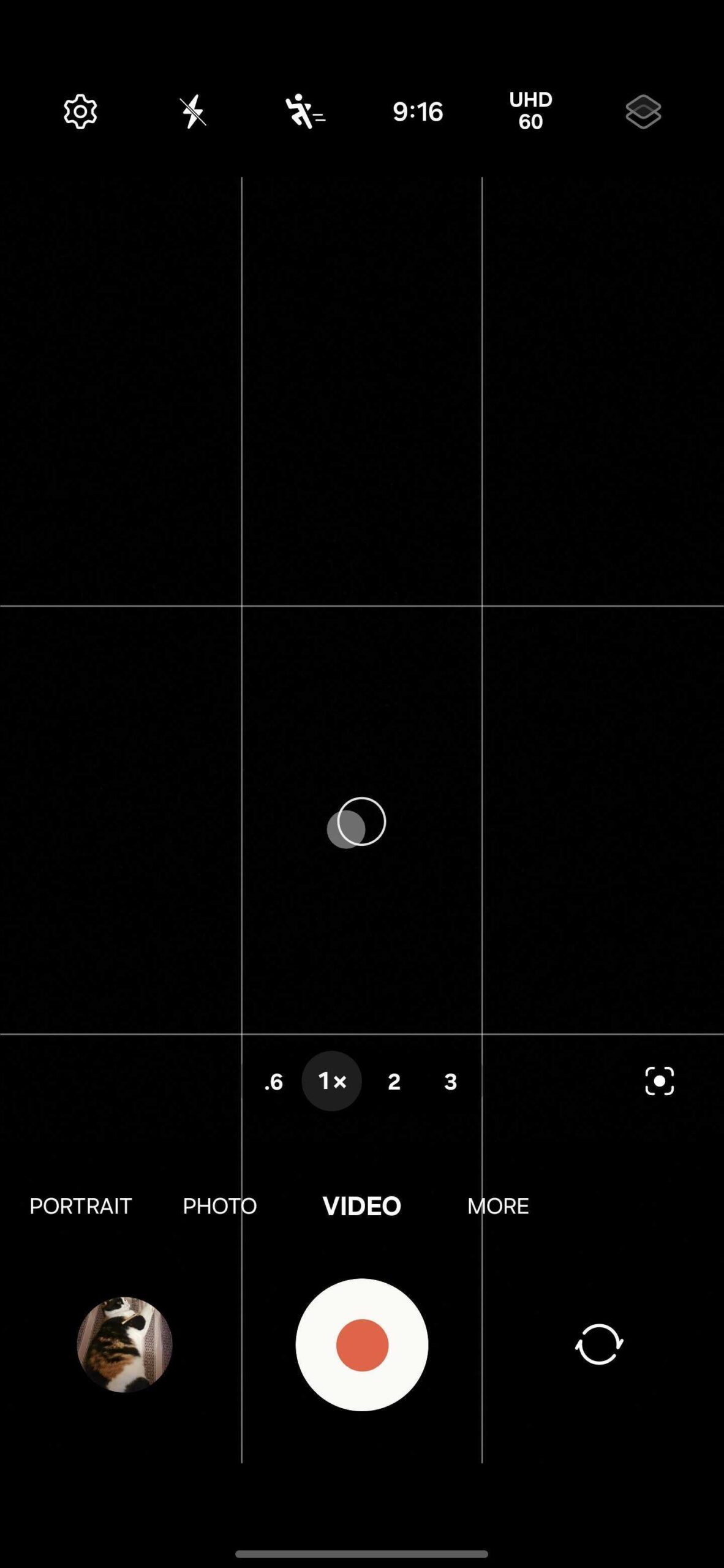
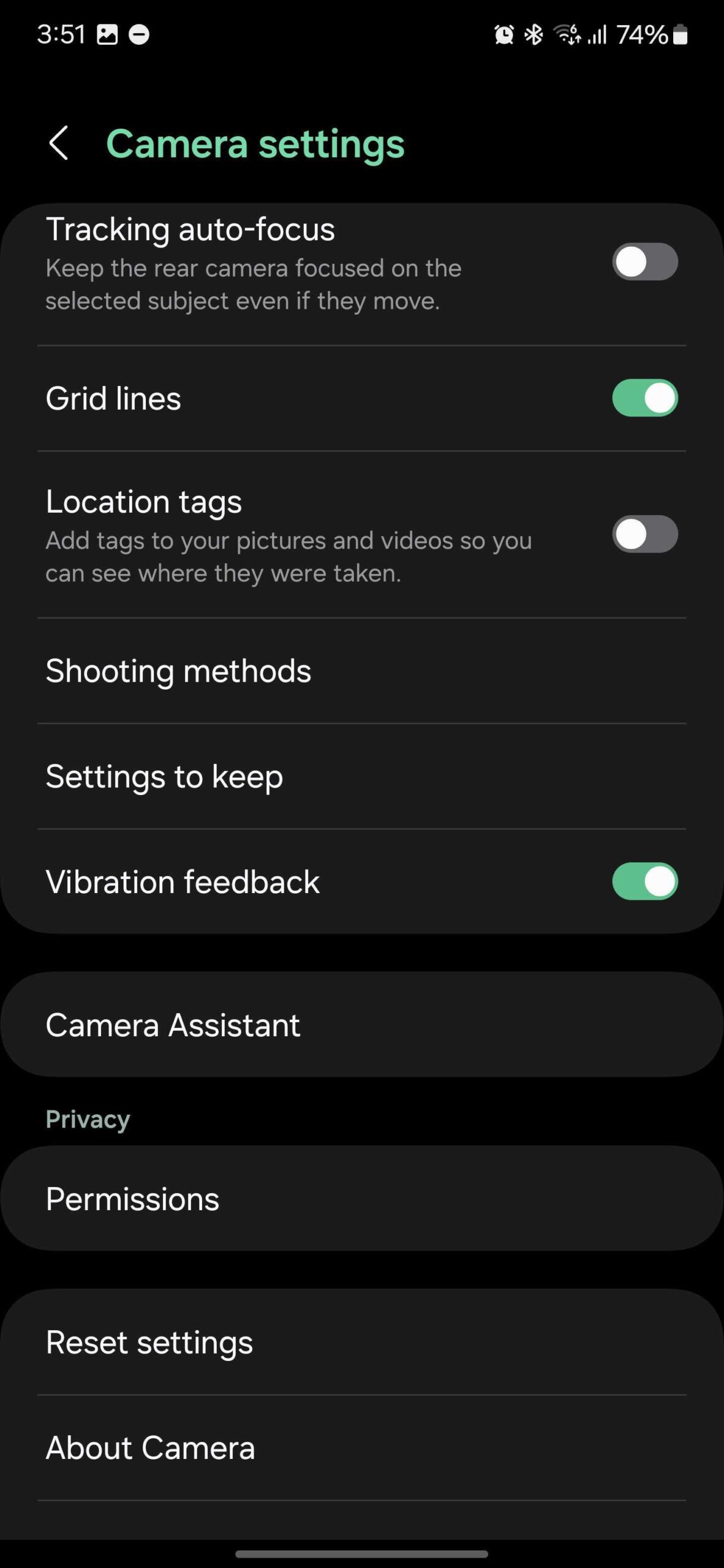
Audio Monitoring is almost hidden as a Camera Assistant feature. To enable it, open the Camera app, go to “Settings,” and tap “Camera Assistant.” Then, tap the “Audio Monitoring” switch toggle ON.
Of course, you can also enable this feature by opening the Camera Assistant app directly.
If you are looking to buy a Galaxy S24 and a pair of Galaxy Buds, make sure to check your local online Samsung store for bundle deals. In some markets, Samsung offers discounts on wearables if you buy them alongside the latest flagship phone.
Mihai is a blogger and column writer at SamMobile. His first Samsung phone was an A800 which took a lot of beating, and a part of him still misses the novelty of the clamshell design. In his free time, he enjoys watching shows, documentaries, and stand-up comedy; listening to music, taking walks, and occasionally playing old(er) video games.